 Machine-Readable Business Visibility
Business Visibility Center — More Than SEO. Complete Business Visibility.
Will AI Select Your Company
When It’s Time?
Four questions every business needs answered.
You don't need to know SEO, AEO, GEO, or any other acronym. BVC measures the outcome that matters: whether your business can be found, understood, trusted, and acted upon.
Can customers find you?
Can search and AI understand you?
Can they trust you?
Will they do business with you?
Most businesses are online, but not truly visible.
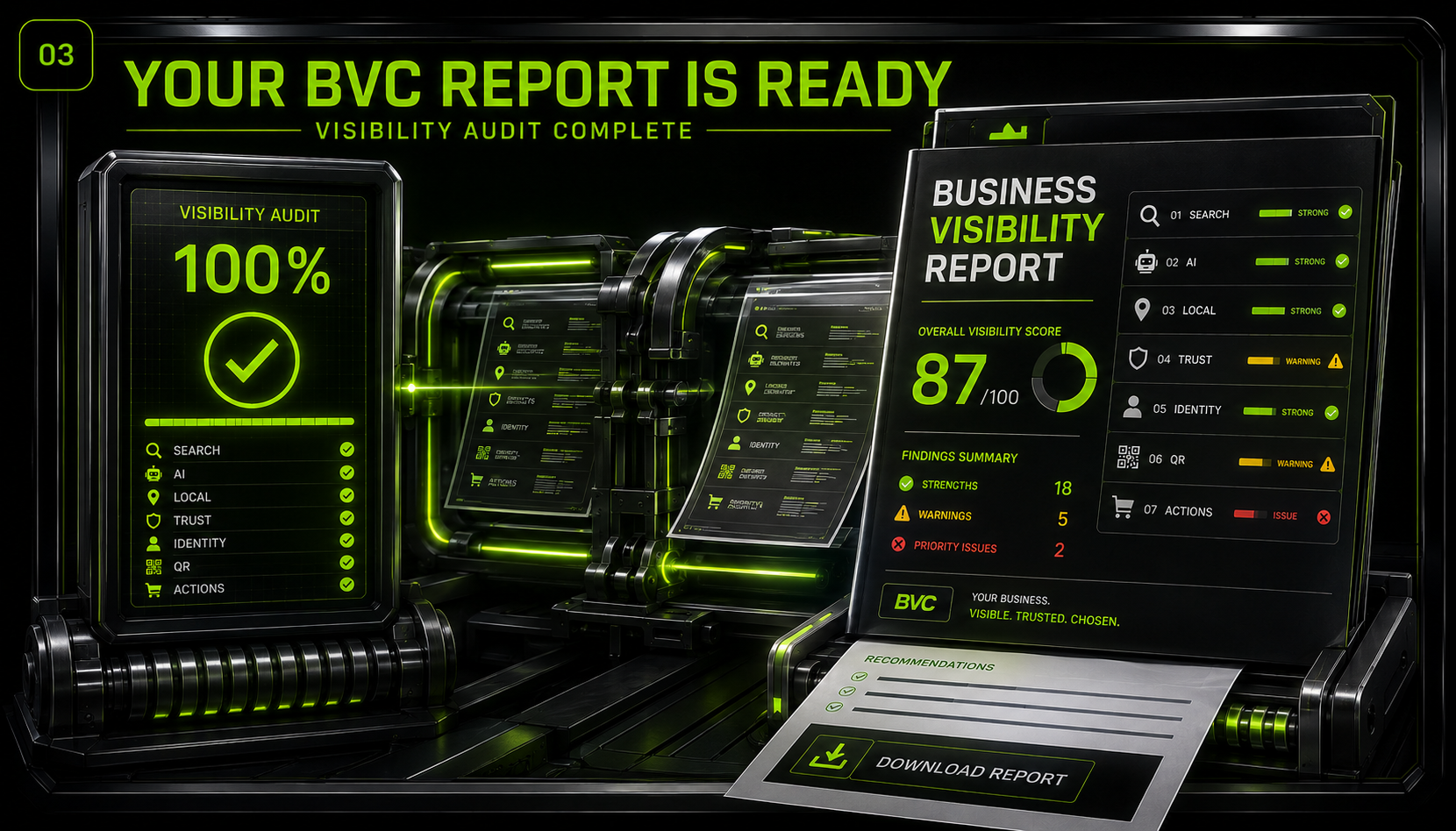
A website can exist and still be hard for customers, Google, directories, maps, and AI systems to understand. BVC measures complete Business Visibility — presence, understanding, identity, trust, online actions, and technical health — and shows what works, what doesn't, and what to fix first.
Start Free. See What BVC Finds.
Generous on purpose. Run real audits and preview the intelligence that powers the full engine.
- Run visibility audits
- Scan any public website
- Basic visibility score
- Core findings preview
- AI-readiness preview
- Trust signal overview
- Full visibility intelligence
- Saved reports
- PDF exports
- Monitoring and alerts
- Historical tracking
- Comparison reports
- Advanced AI visibility analysis
- Registered QR verification
- Deeper evidence panels
See the Surface for Free. Unlock the Full Visibility Engine.
BVC Professional
- Full audit results
- Deeper evidence panels
- Saved audit history
- PDF reports
- Comparison reports
- Monitoring access
- Visibility alerts
- AI-readiness details
- Trust signal breakdown
- Registered QR verification support
- Priority report access
BVC Premium
For agencies, consultants, and multi-site operators.
- Higher monthly audit volume
- Multiple monitored websites
- Branded reports
- Advanced comparison tools
- Deeper AI visibility analysis
- Multi-site visibility tracking
- Priority support
Free to use. Upgrade when you’re ready. We accept Visa, Mastercard, American Express, Discover, ACH, and approved in-house financing for qualified special projects.
Registered QR Verification Makes Every Audit Provable.
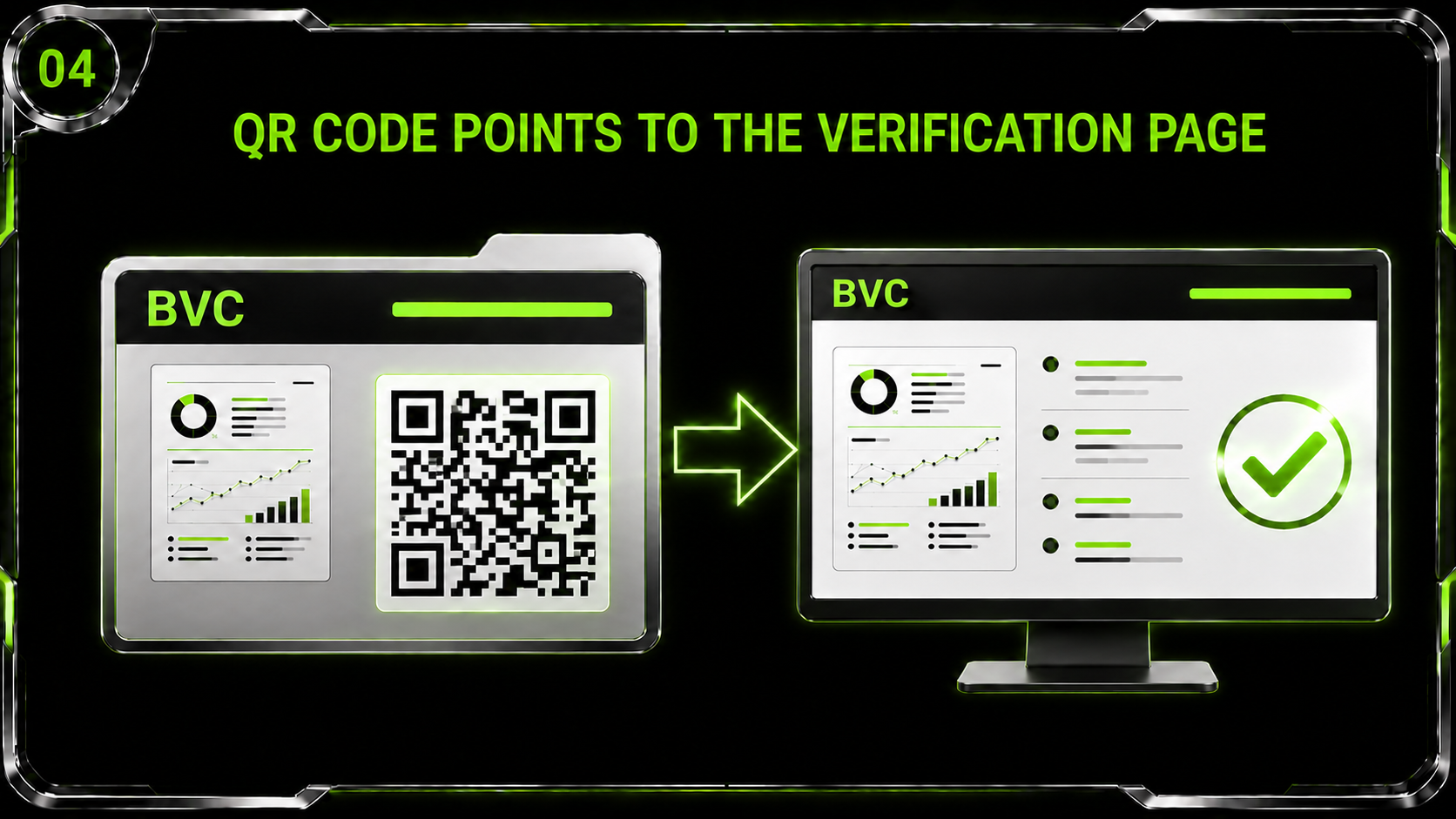
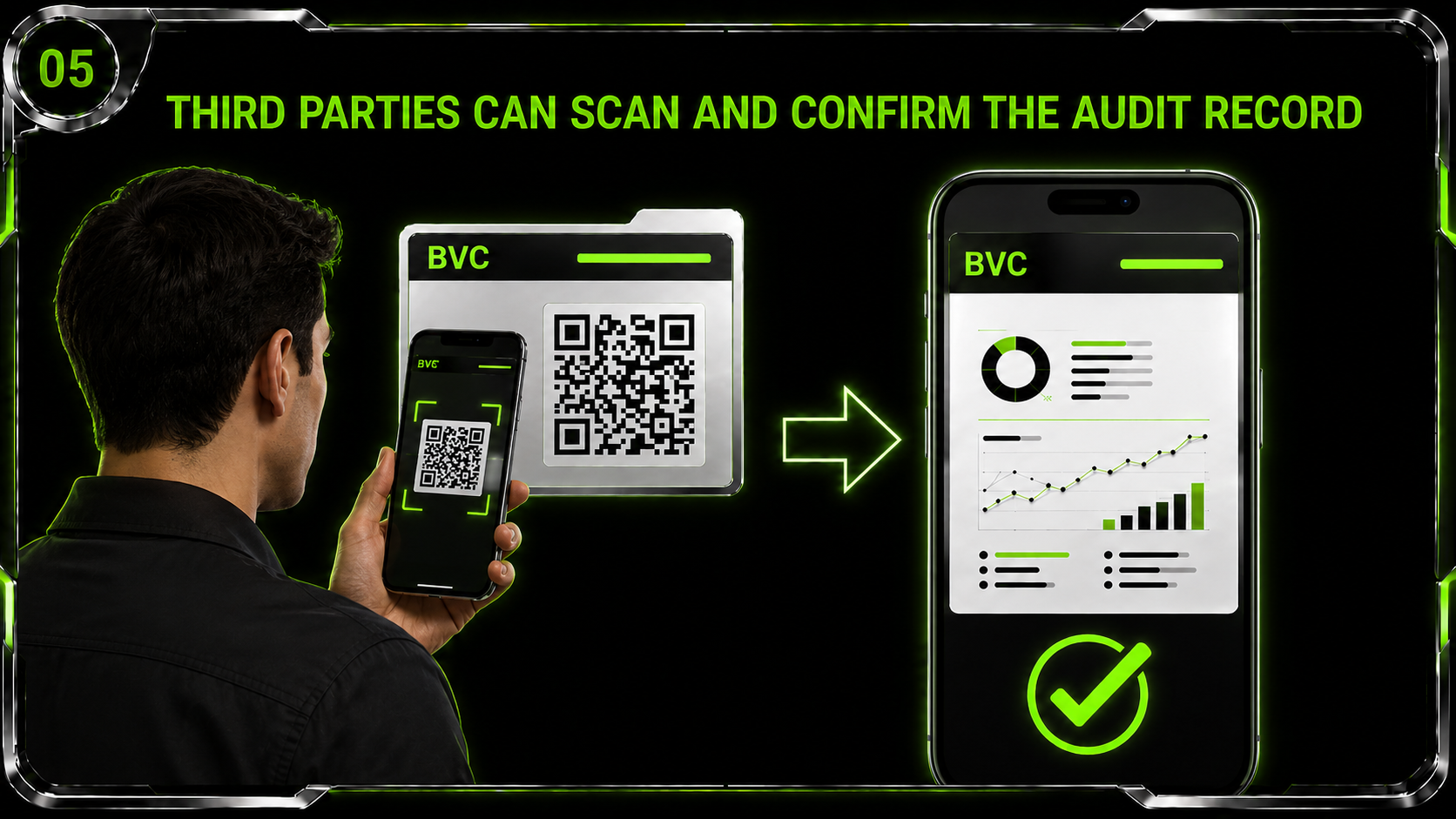
BVC can connect completed audits to registered QR verification records. This gives businesses a way to verify that an audit report is authentic, traceable, and connected to a live validation page.
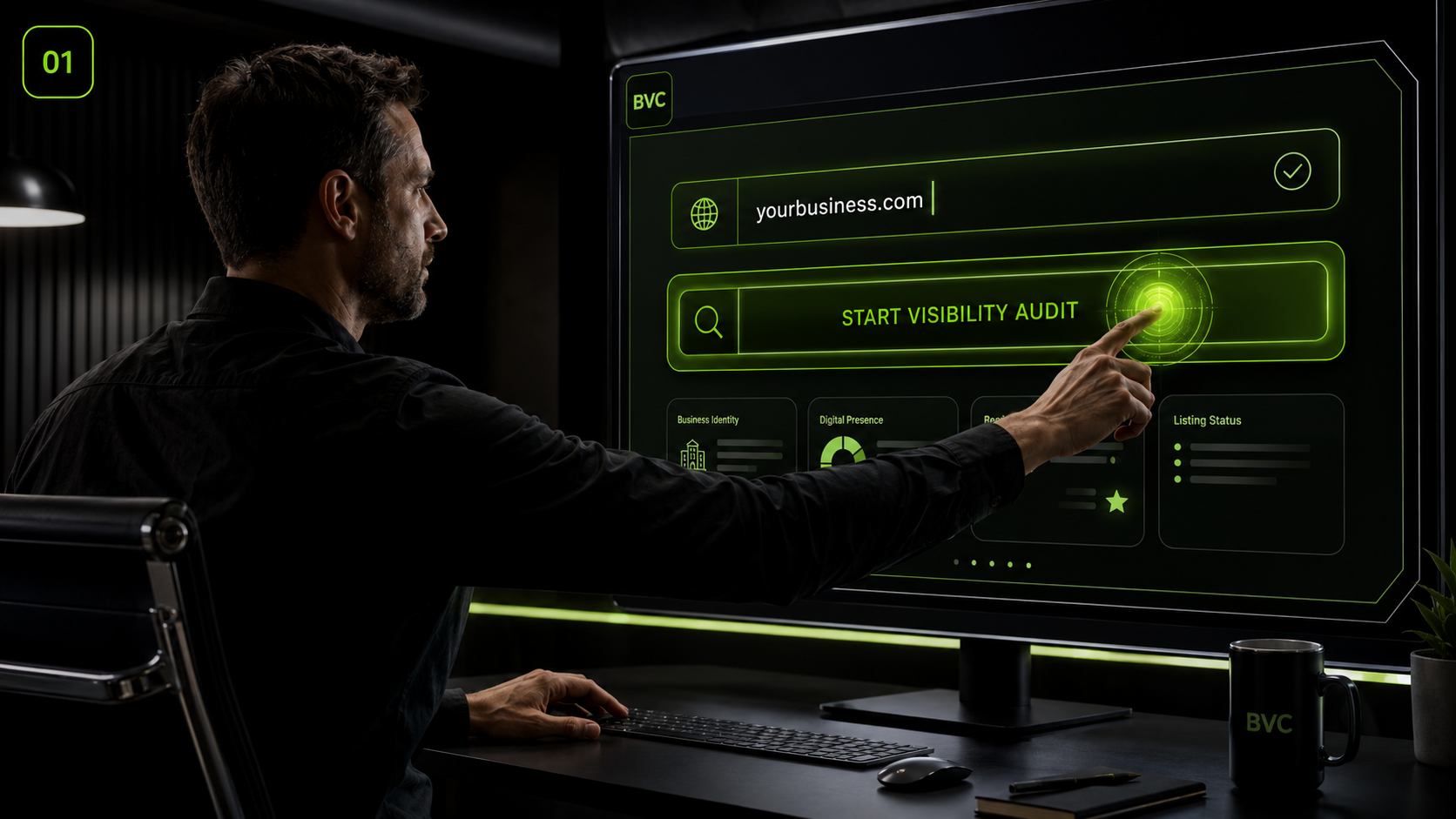
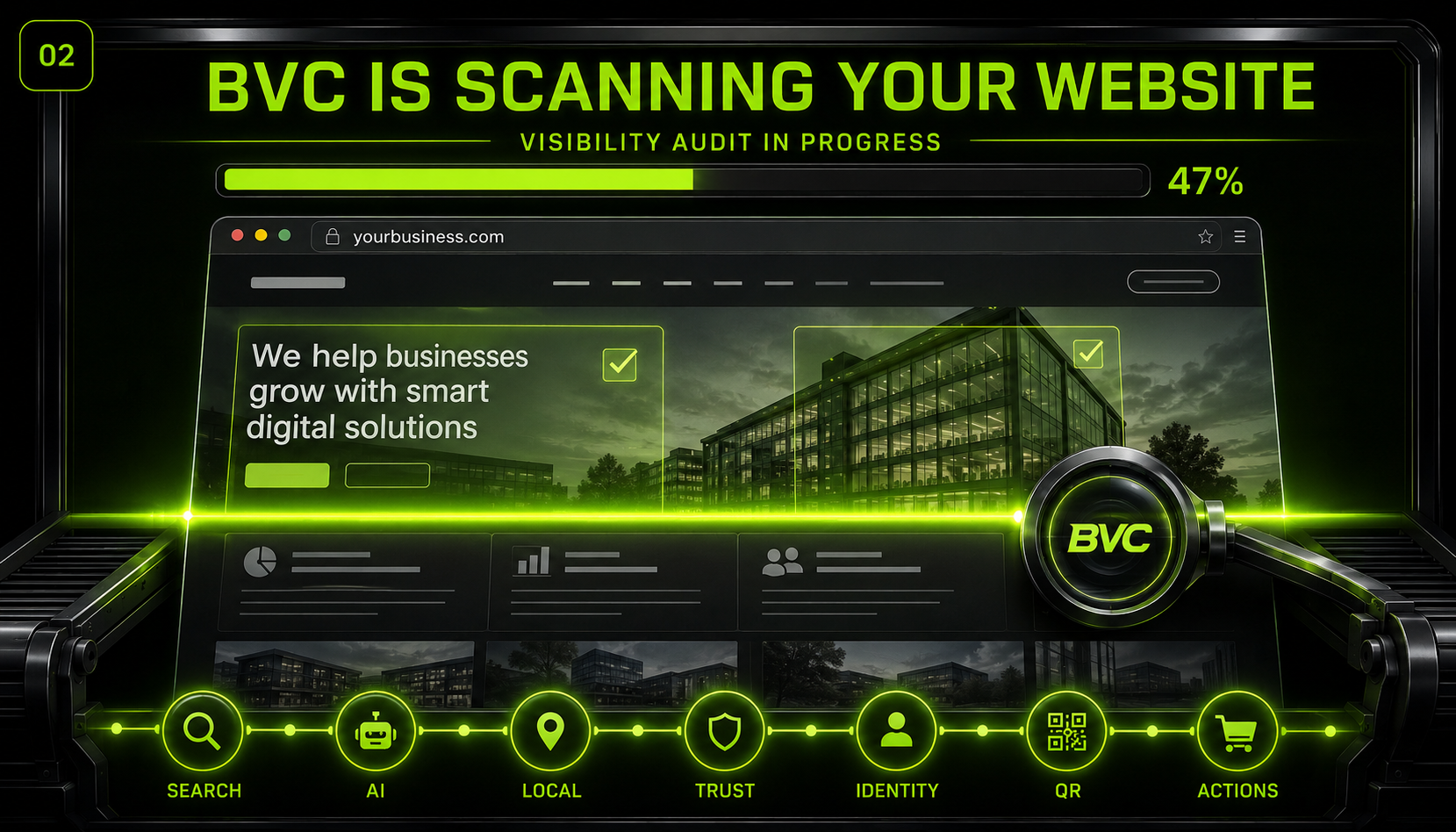
Watch the BVC Overview
A 6–7 minute look at what BVC measures and why it matters.
BVC Overview
What people ask before running an audit
Is BVC free?
Yes — run a Visibility Audit on any public URL for free. The free audit shows what works, what doesn't, and what to fix first. Upgrade adds monitoring, history, alerts, comparisons, reports, and registered QR verification.
Is BVC just SEO?
No. BVC measures complete Business Visibility: whether your business can be found, understood, identified, trusted, accessed, and acted upon across human and machine discovery environments. SEO is one component of that, not the whole picture.
What is a Visibility Score?
A weighted score computed from evidence BVC observes directly — presence, AI-readiness, authority, trust, business identity, online actions, and technical visibility. Weights come from the published calibration profile and every probe result is shown with its source, so nothing is estimated or fabricated. It is not a Google ranking.
What is the QR Verification Layer?
Completed audits mint an immutable verification record. A QR code points to a public verification page so third parties can confirm the audit.
Who uses BVC?
Business owners, agencies, chambers and business organizations, hosting companies, and multi-location operators. BVC can be white-labeled, deployed, embedded, or accessed through an API.
Run Your Free Visibility Audit
Find out how visible, understandable, and trustworthy your business really is.